# Weekly plan
## Monday
- Ship the **landing page**
- Read [the spec](https://…)
> small steps, daily
01
Markdown, natively
Headings, lists, quotes, tables and code fences. Your notes are plain text, readable anywhere, forever.
A quieter place to write
OpusNote is a calm, markdown-first notebook. Write in plain text, keep it organized, find anything in an instant, and share a single sheet with one link.
Sign in with GitHub or Google. No passwords.
Plain text on the left, a beautifully rendered sheet on the right. Your notes stay portable markdown.
What’s inside
Headings, lists, quotes, tables and code fences. Your notes are plain text, readable anywhere, forever.
One notebook per project, as many sheets as it needs.
Search every sheet in every notebook. Titles rank first, with a snippet in context.
Every sheet has its own public link. Readers see just that sheet, never the rest of your notebook, and they don’t need an account.
Fenced code gets syntax highlighting and line numbers in the reading view.
Edit in two places at once and OpusNote warns you instead of overwriting your work.
How it works
Open a sheet and start typing. Plain markdown, a rendered view one click away, and your words saved as you go.
Group sheets into notebooks. Every sheet has its own address, so you can bookmark it or link straight to it.
Send one sheet to anyone with its public link. They get a clean reading view, and no sign-up wall.
The app
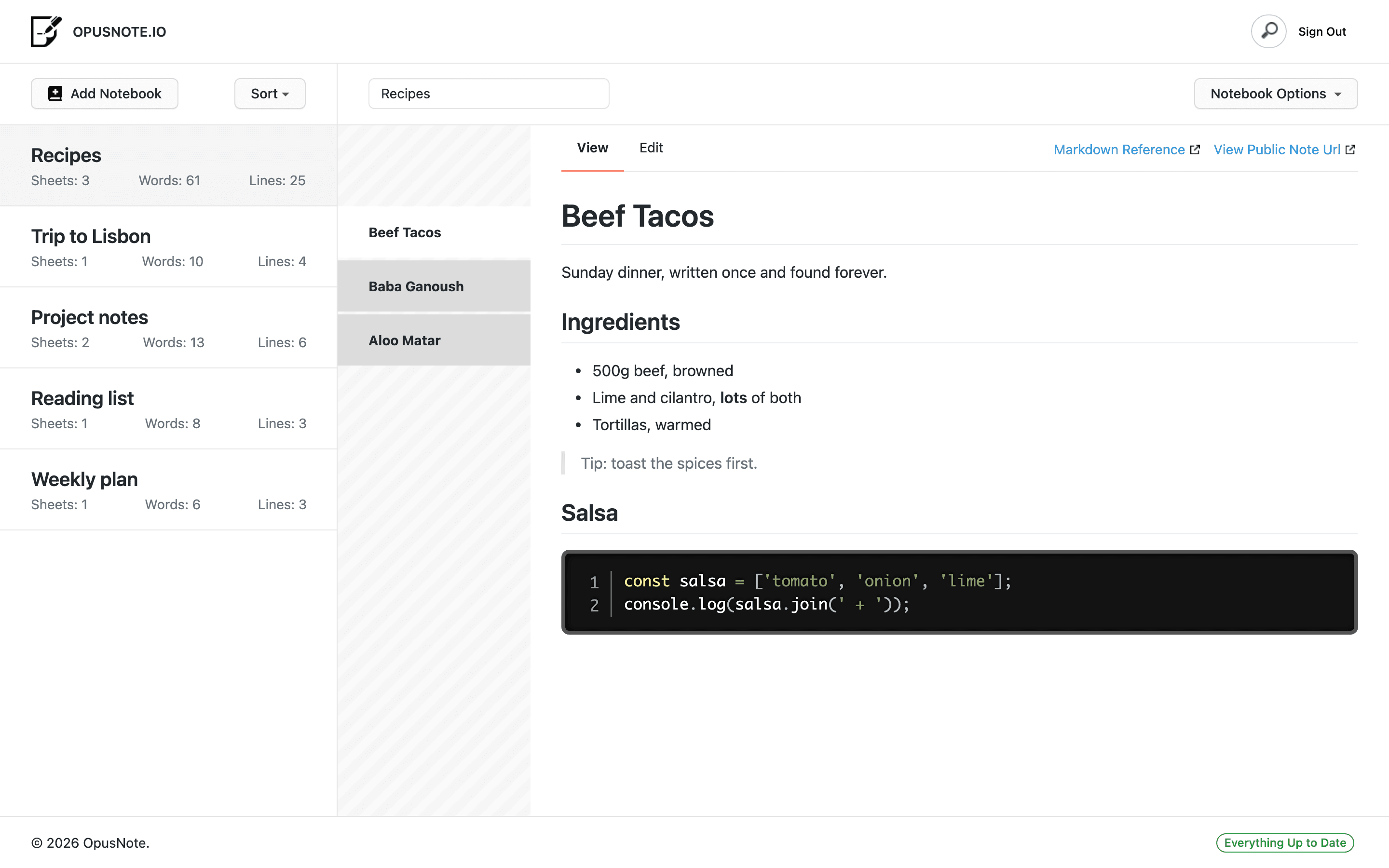
Notebooks on the left, sheets beside them, your writing in the middle. Nothing to configure and nothing in the way.
Ready when you are
GitHub GoogleNo passwords